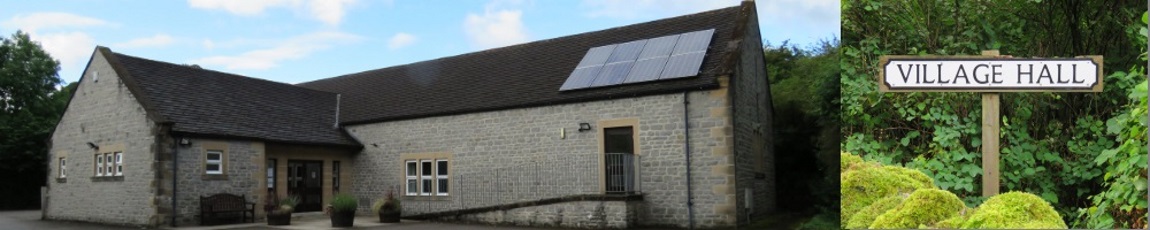
Calver Village Hall
Online booking calendar
See the available and booked times for each day. Times are shown in 30-minute slots.
Select an available time slot above, or choose a date and time below. Your request will be sent to the hall administrator for approval. Submitting a request does not confirm the booking.
Have a question before making a booking? Send it to the hall team and they will get back to you.
Create bookings, review requests and manage the calendar.
Set the hourly fees used for new bookings. The booking form automatically calculates charges from the booking length and selected options.
Create customers who regularly hire the hall and give each one a discount percentage. Selecting one on a booking applies the discount to hall hire only.
No regular customers yet.
Clients are grouped together so you can quickly see all of their bookings. Click a client to expand or collapse their bookings.
Review public requests here. Pending requests need a decision; approved and declined requests remain here until you dismiss them. Dismissal removes them from this queue but keeps the request history in Supabase.
No requests loaded.
Set the email address which receives daily booking and customer CSV backups at 2am UK time.
Receive an iPhone notification as soon as a public booking request or question arrives. Alerts are enabled separately for each administrator and device.
Questions sent from the public page. Mark each one dealt with once it no longer needs a reply.
No questions loaded.
Shows the most recent booking changes, including creates, edits and cancellations.
No audit history loaded.